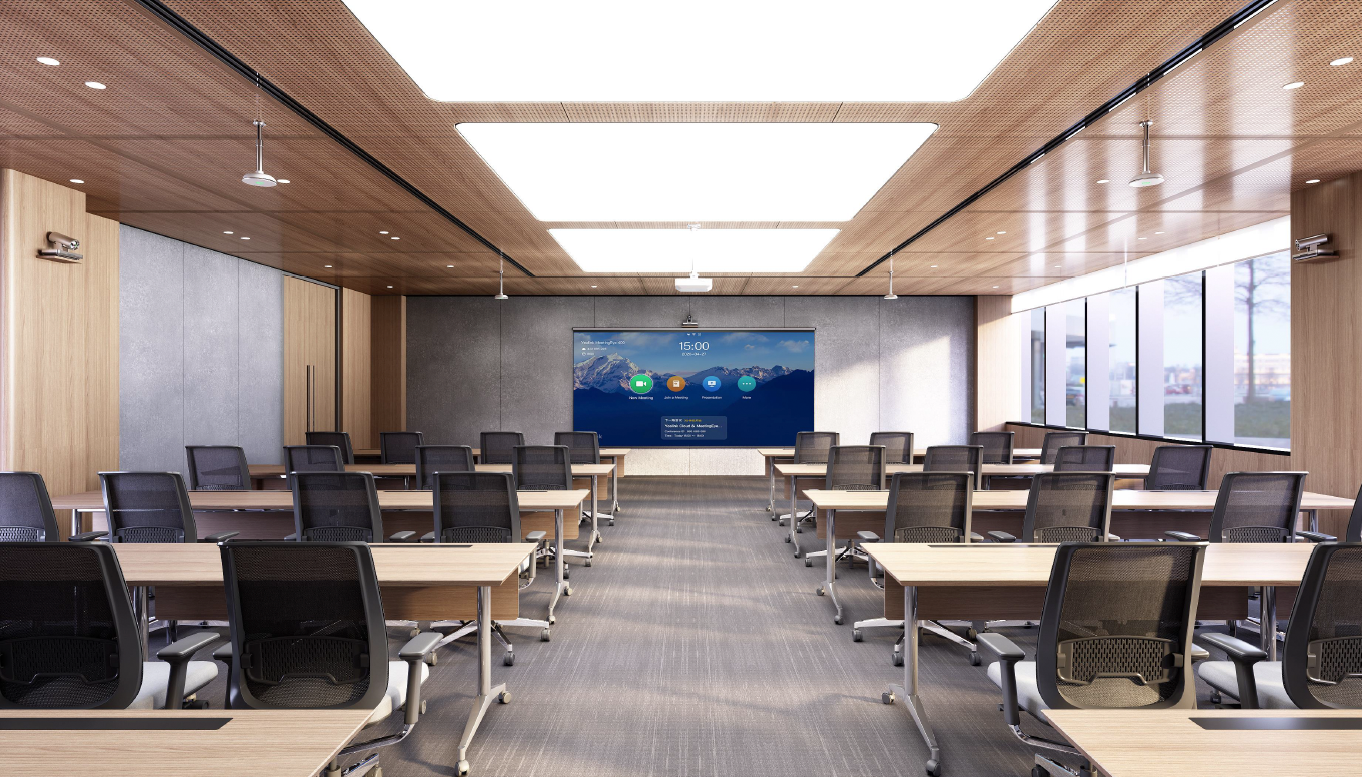
What AV Classroom Training Includes
1. Lectern Operation & Controls
- Powering the lectern on/off
- Using the touch panel or button panel
- Switching between sources (PC, HDMI, document camera, wireless display, etc.)
- Adjusting audio levels
- Using the microphone system (if applicable)
2. Display & Projection System
- Turning projectors or displays on and off
- Selecting input sources
- Understanding screen mirroring options
3. Document Camera Usage
- Powering on
- Switching between camera modes
- Adjusting zoom and focus
4. Wireless Presentation Tools
- Crestron AirMedia / ScreenCasting
- Connecting personal devices
- Troubleshooting wireless connectivity
5. Audio & Microphone Systems
- Using lapel or handheld microphones
- Checking battery levels
- Classroom speaker controls
- Muting/unmuting audio sources
Who Should Attend Training?
AV training is recommended for:
- New faculty and adjuncts
- Staff who host events or meetings
- Anyone teaching or presenting in technology-enhanced classrooms
- Departments wanting group training sessions
Benefits of AV Classroom Training
- Increased confidence with classroom technology
- Reduced setup time before class
- Smoother lectures and presentations
- Immediate troubleshooting knowledge
- Better use of advanced tools (AirMedia, doc cams, audio, dual displays)
How to Request AV Classroom Training
AV Classroom Training Request Form
To schedule a training session, please complete the request form here.
Training sessions can be scheduled for individuals or groups and can take place directly in your assigned classroom.